Soil Digital Signage Logo

What is hospital digital signage?

Hospital digital signage is a network of commercial displays, kiosks and door tags that carries live information through a patient's visit — the welcome directory at the entrance, floor-by-floor wayfinding, self-service OPD registration with a printed token, the waiting-area token board, the cabin-door status display, and advisories on every screen — all managed from one content platform. SOIL manufactures the hardware in Delhi and runs it on SetuOS, deployable in the cloud or on the hospital's own servers.

Built for hospitals and multi-speciality clinics, diagnostic and pathology chains, eye and dental chains, and medical colleges — anywhere patients wait, walk and ask.

  • Made in Delhi
    Displays, kiosk enclosures, custom door displays and SetuOS from one manufacturer.
  • Cloud or on-premise
    SetuOS runs inside your network when IT policy requires; offline-safe playback.
  • Open, GST-inclusive prices
    Standard hardware is priced on this site; the shown price is the quoted price.
  • HIS / HMS integration
    Token queues, rosters and room status via SetuOS APIs, scoped per project.
  • 1-year on-site warranty
    Pan-India installation and AMC with direct engineer support.
SetuOS Navigate · AR on the patient's phone

Scan the kiosk. Follow the arrows on your phone.

The lobby kiosk finds the department; the patient scans a QR and their phone camera shows the way — a guidance lane on the corridor floor, turn arrows, lift steps, live distance. No app to install. On a phone, the lane turns with the compass and the camera becomes the background.

  • No app install
    Opens in the phone browser from the QR.
  • Camera AR
    Live passthrough with the lane drawn on the floor.
  • Gyroscope steering
    Turn your body; the lane turns with you.
  • Lifts-only route
    Wheelchair and stretcher-friendly directions.
QR code opening the SetuOS Navigate phone companion routed to Cardiology OPD in the demo hospital
Try the real thing on your phone

Scan to open the live Navigate companion inside our demo hospital — reception to Cardiology OPD on Level 1, via the lift — with your camera and compass.

navigate.setuos.io →
Destination
Cardiology OPD · Room 204
Level 2 · 66 m · ~2 min
Left
66 m
Step 1 of 5
Walk straight past Reception
Keep the pharmacy on your left

Press Start to auto-walk · drag the view to look around

The premise

One patient journey. One information flow.

Patients move from one touchpoint to the next. The information behind those touchpoints should move with them. Tap a step to see what the patient sees, and which screen delivers it.

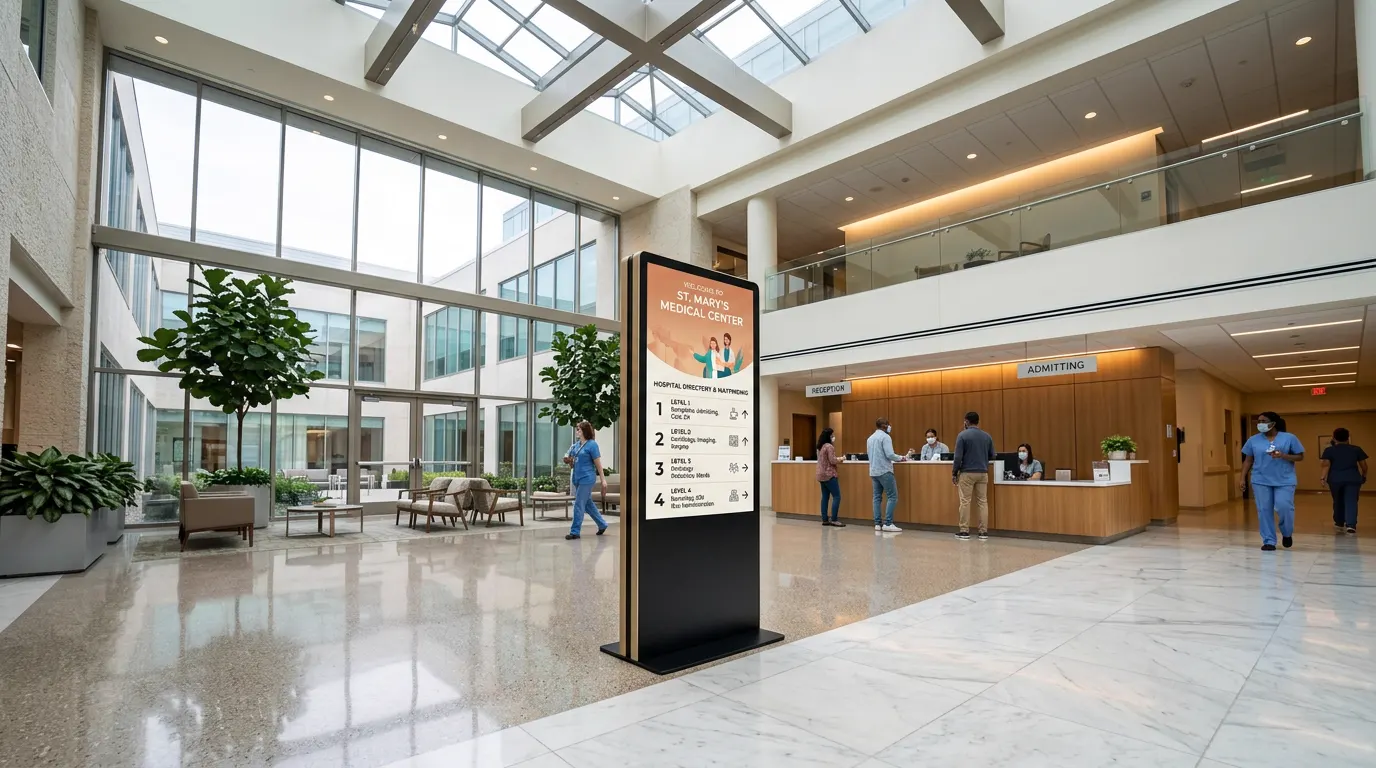
Hospital lobby with a freestanding digital directory display showing floor-wise departments
STEP 01 · ARRIVE
Enter the hospital and understand where to go.
Concept visual
INFORMATION DELIVERED

A welcome board with today's OPD directory, floor guide and advisories — the first answer before the first question.

SURFACE

Welcome displays · façade & lobby

SOIL HARDWARE

Unity Column standee or wall display in the lobby; outdoor LED on the façade.

SetuOS becomes the information layer behind the journey — right information, right screen, right department.

Patient flow and the information delivered at each touchpoint
StepPatient flowInformation deliveredSurface
01 · ArriveEnter the hospital and understand where to go.A welcome board with today's OPD directory, floor guide and advisories — the first answer before the first question.Welcome displays · façade & lobby
02 · NavigateFind the OPD, diagnostic centre, pharmacy or room.Interactive floor-by-floor directions with lift and stair steps. Scan a QR and the route travels on the patient's phone — no app install.Wayfinding kiosk · web · QR on phone
03 · Register & printConfirm the visit and leave with the next actionable instruction.Find the appointment by UHID or mobile number, register, and print an OPD slip or token with the room number — fewer avoidable front-desk interactions.Self-service registration kiosk
04 · Wait informedKnow the live queue instead of repeatedly asking staff.Now-serving token, next tokens, room and doctor status per cabin, with health advisories between updates. The same feed stays consistent across the OPD.Waiting-area token displays
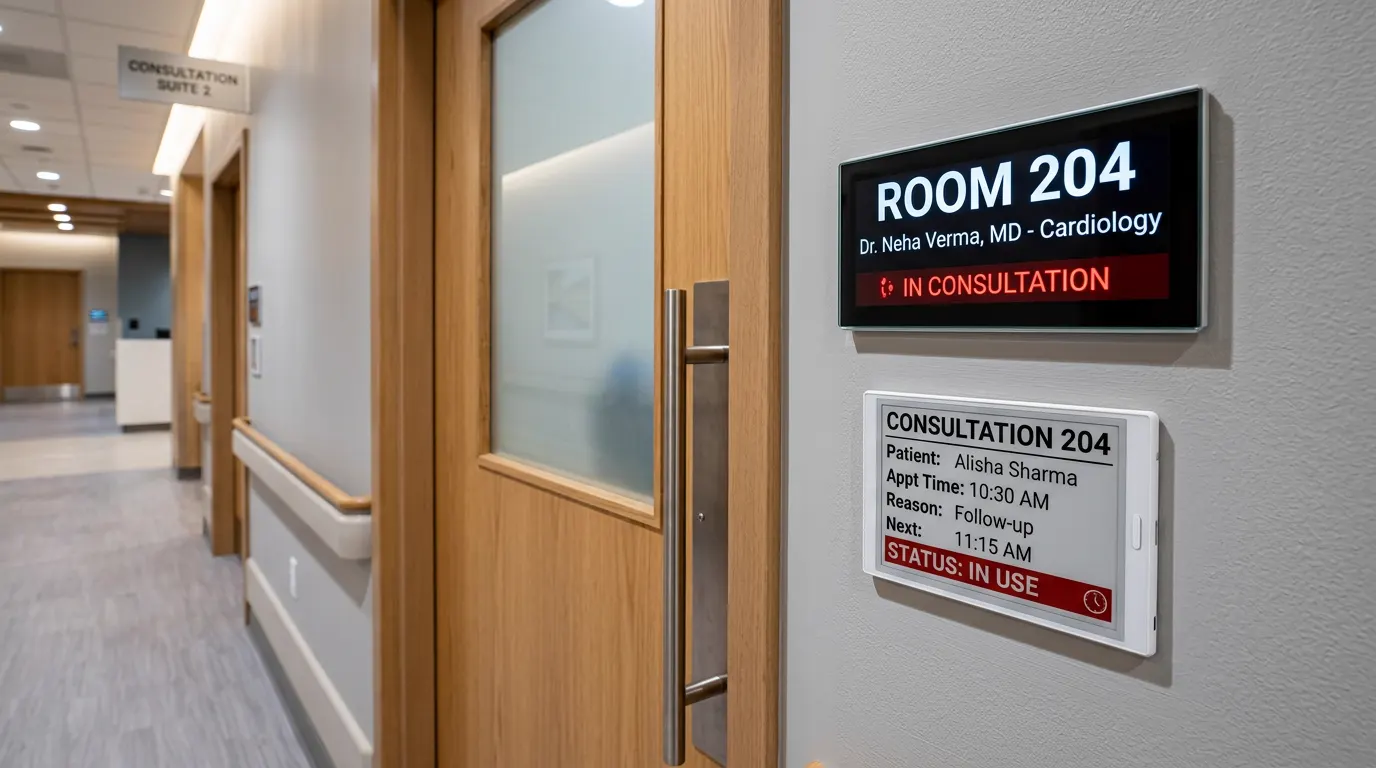
05 · ConsultReach the correct cabin and see whether it is ready.Doctor name, specialty and OPD timings at the door; live status — available, occupied, in consultation — linked to the queue.Cabin door display · e-ink tag
06 · CommunicateAdvisories, schedules and service information stay current everywhere.Per-floor, per-department, per-centre content zones. One emergency message can override every screen in the building.SetuOS content zones · every screen
Try it · you are the reception desk

One update. Every screen.

Call the next token, mark a doctor away, or push an emergency message. The waiting-hall board, the cabin door display and the patient's phone all change together — nobody walks back to the counter to ask “kitna time lagega?”

SETUOS · RECEPTION
OPD Level 1
  • Room 101 · Dr. Anita Sharma
    Cardiology · serving A-104
  • Room 102 · Dr. Vikram Singh
    Cardiology · serving B-208
  • Room 103 · Dr. Priya Nair
    General Medicine · serving C-312
Updates pushed0
Screens updated0
Waiting for reception…
OPD QUEUE · LEVEL 1
Room 101 · Dr. Anita Sharma
A-104
Next: A-105, A-106
Room 102 · Dr. Vikram Singh
B-208
Next: B-209, B-210
Room 103 · Dr. Priya Nair
C-312
Next: C-313, C-314
Waiting-hall token board · 43"–55" wall display
ROOM 101
Dr. Anita Sharma · Cardiology
IN CONSULTATION
NOW · NEXT
A-104 · A-105
Cabin door status display · Room 101
Your OPD token
A-107
Room 101 · Dr. Anita Sharma
2 ahead of you · now serving A-104
Patient's phone via QR

In a real deployment the token feed comes from your HIS or the SetuOS queue module, with optional audio announcements. Interactive demo — hardware and integration are scoped per hospital.

Six solutions

Many display formats. One content platform.

Floor, wall, tabletop, kiosk, e-ink and LED — each solves one moment in the visit, and all of them run on SetuOS.

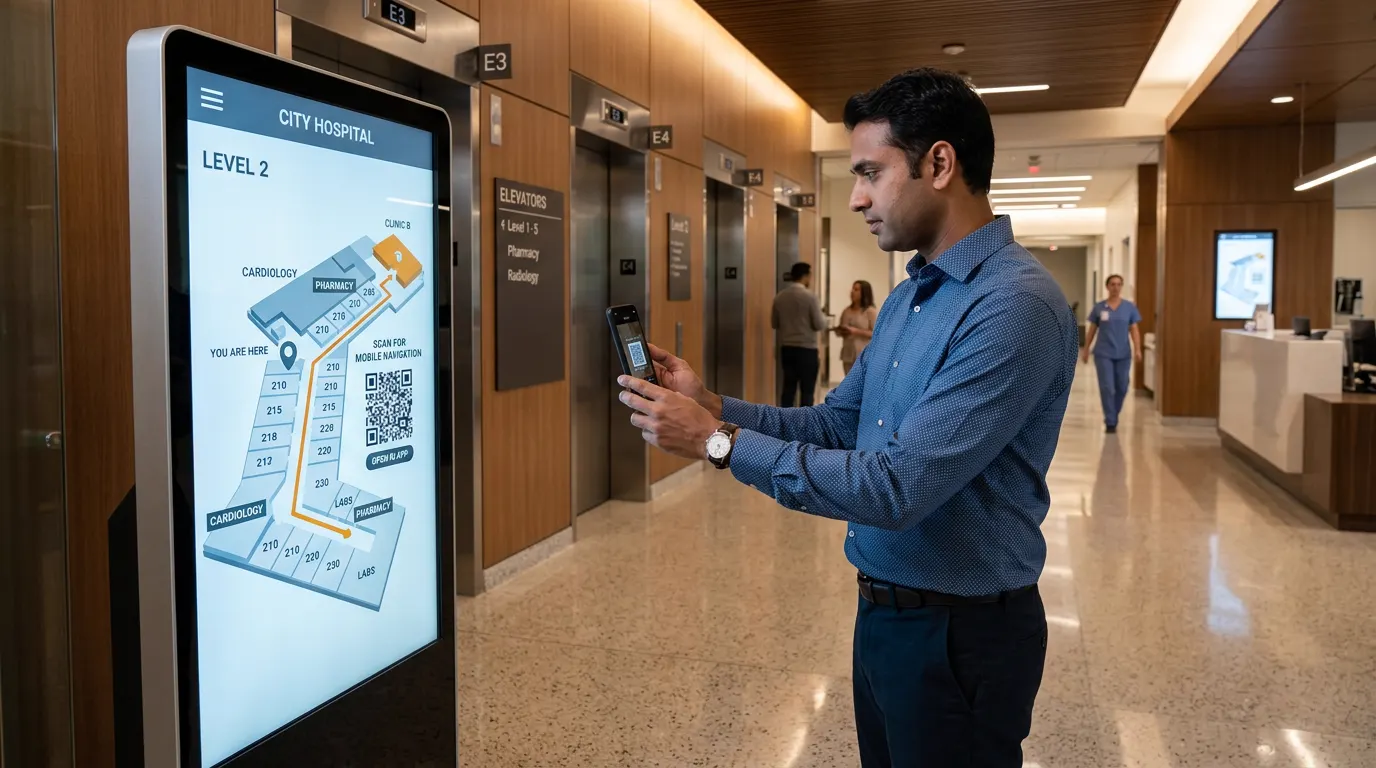
Hospital wayfinding kiosk showing a floor map with a QR code for mobile navigation
Solution 01

Wayfinding — SetuOS Navigate

Indoor navigation for a hospital campus: a lobby kiosk, the same map on the web, and a QR code so patients carry directions on their phone. Finds departments, doctors, OPDs, labs and the pharmacy; guides floor by floor with lift and stair steps. Maps and doctor lists are updated centrally.

Try the AR phone demo →
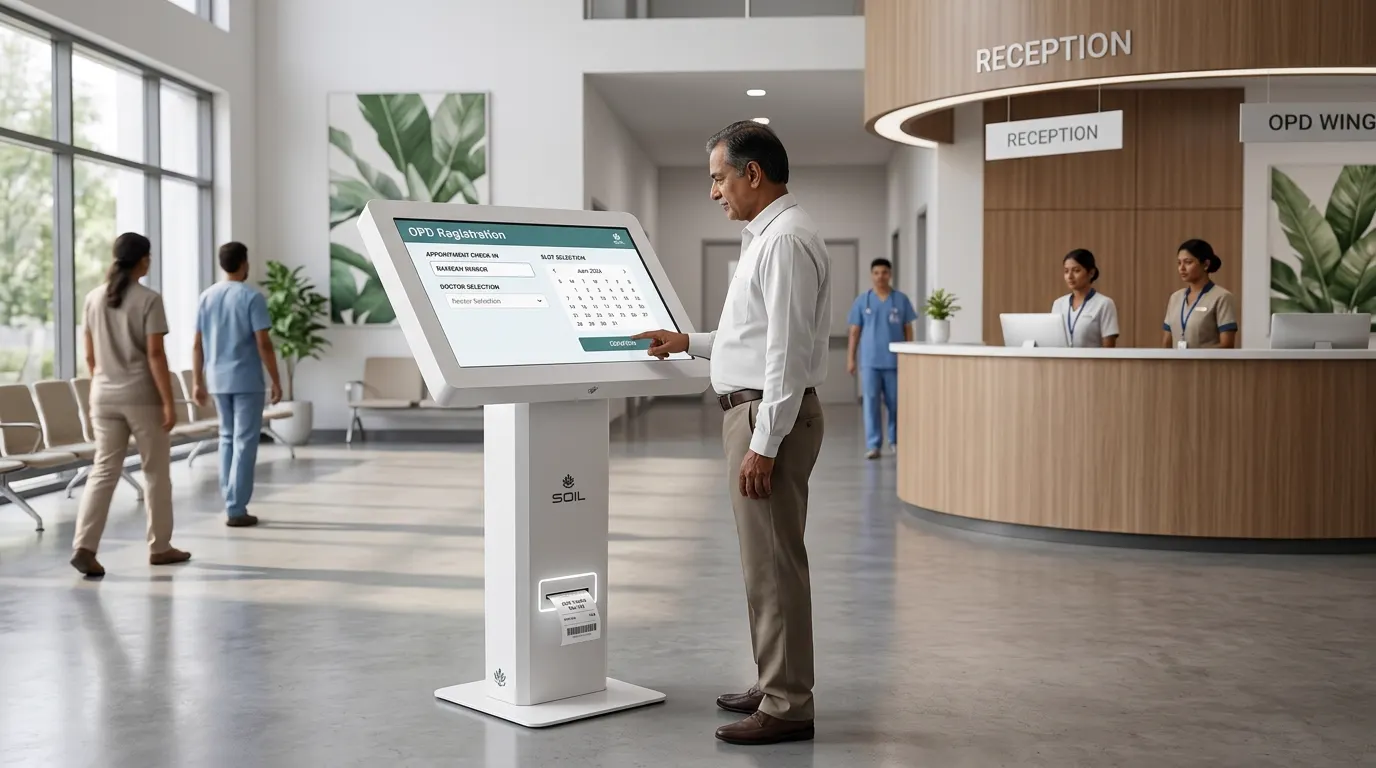
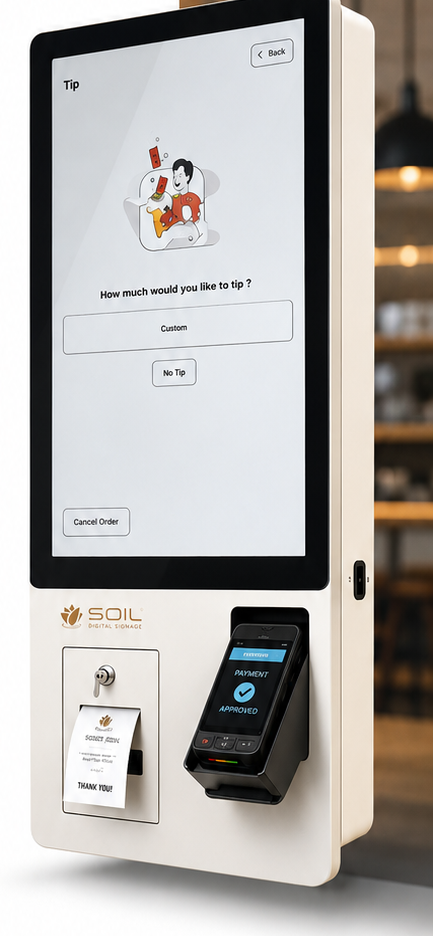
SOIL self-service OPD registration kiosk printing a token slip in a hospital lobby
Solution 02

OPD self-service — register, print, move on

A patient finds the visit by appointment, UHID or mobile number, registers, and leaves the kiosk with an OPD token or slip and the room number — reducing avoidable front-desk interactions. HIS / API integration is scoped as part of the project.

Our kiosk platform →
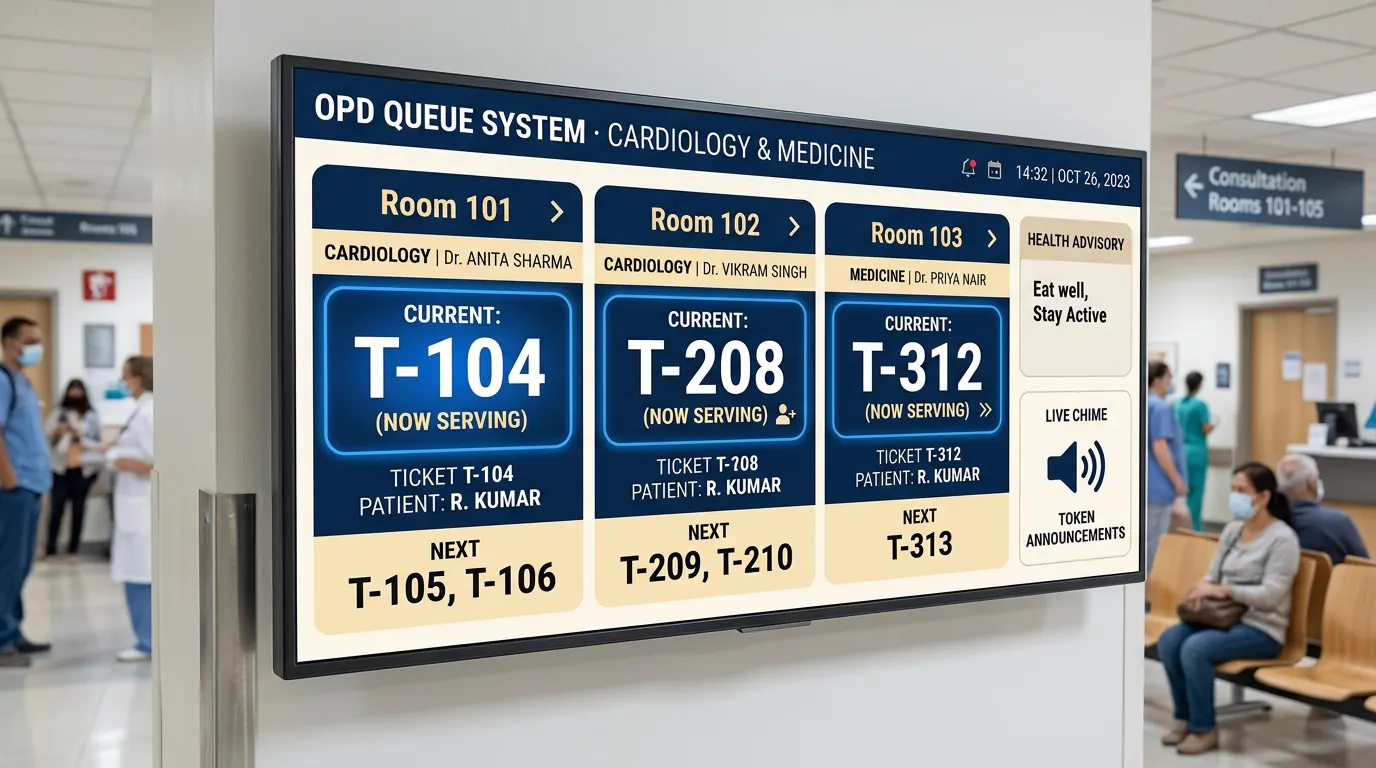
OPD queue display showing now-serving tokens for three consultation rooms with doctor names
Solution 03

OPD & waiting — make the wait self-explanatory

Patients see the live token, room and doctor status without walking back to the counter. Staff keep the same information consistent across the OPD: token queue, doctor status, schedules and advisories on one board.

Try the queue demo →
Consultation room door with a digital status display reading In Consultation and an e-ink appointment tag
Solution 04

Consult-room & diagnostics status displays

Displays outside cabins and diagnostics rooms show doctor name, specialty and OPD timings at the door, plus live status — available, occupied, in consultation — linked to the next token. Also for procedure rooms and OT status. A proven pattern we adapt to your workflow.

See the status-display case study →
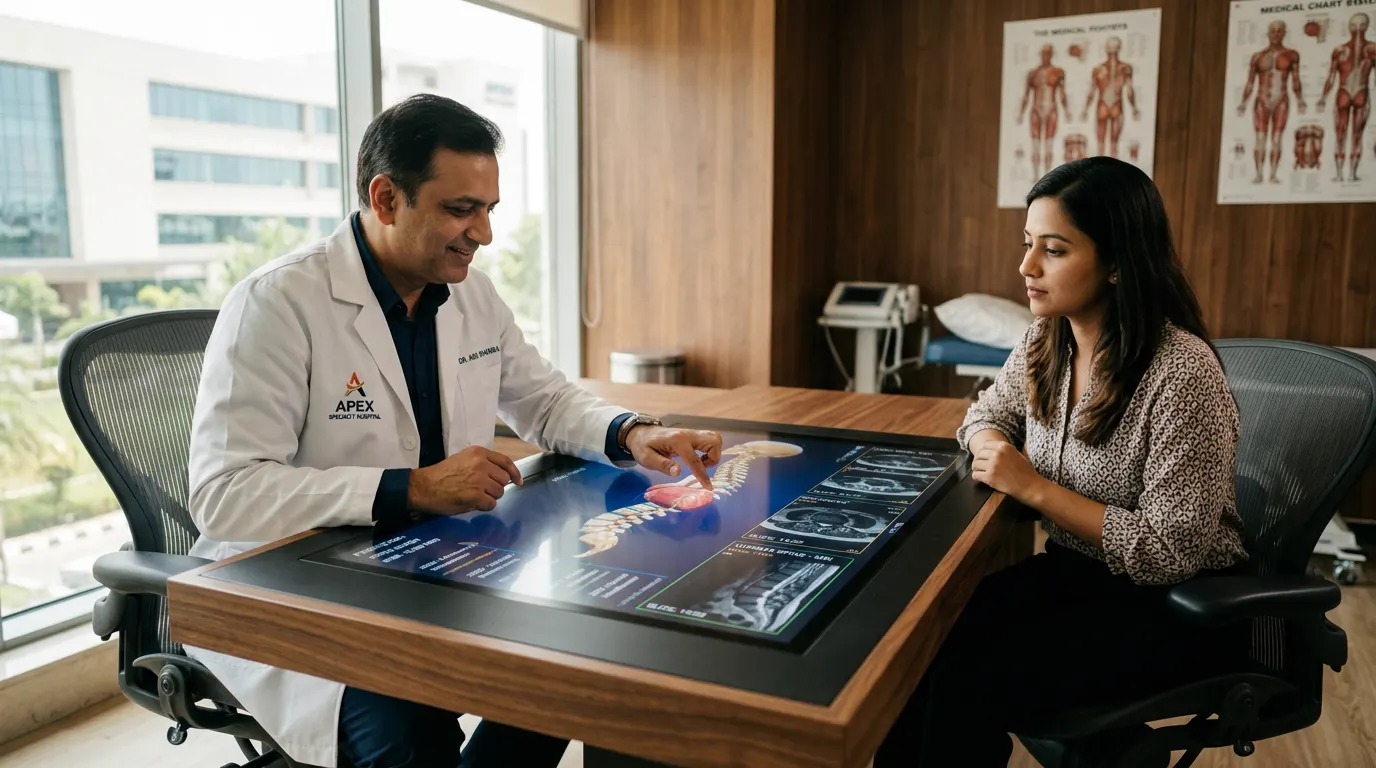
Doctor explaining a spine scan to a patient on an interactive touch table
Solution 05

Smart consultation — interactive touch table

A 43"/55" anti-glare touch surface in the consultation suite. Doctors pull up PACS scans and 3D anatomy, annotate a plan on screen while explaining it, and hand the summary, exercises and diet chart to the patient's phone through a QR code. Custom build.

Customized solutions →
CABIN 12 · CARDIOLOGY
Dr. Neha Verma
OPD · Mon–Sat · 10:00–14:00
E-INK · UPDATES ITSELF
Solution 06

E-ink doctor tags, OPD name plates & ward signage

Paper-like screens for information that changes often but does not need video — glare-free, silent, low-power and easier to update than printouts. Doctor cabin plates, OT and procedure schedules, daily rosters, bed and ward panels. For live queues visible across a hall, colour token displays are better; e-ink is for doors, tags and wards.

Customized solutions →

Photographs are concept visuals of representative deployments; hardware and UI are configured per hospital.

Standard hardware, open prices

The hospital signage ecosystem.

Start with catalog products at published GST-inclusive prices. Custom enclosures, e-ink tags, door displays and façade LED are quoted per project.

OPD registrationSelf-Ordering Kiosk

Self-Ordering Kiosk

Touch kiosk with thermal printer — the same Delhi-built platform, running OPD check-in and token printing instead of food orders.

from ₹54,280
Token displaysWM Series

WM Series

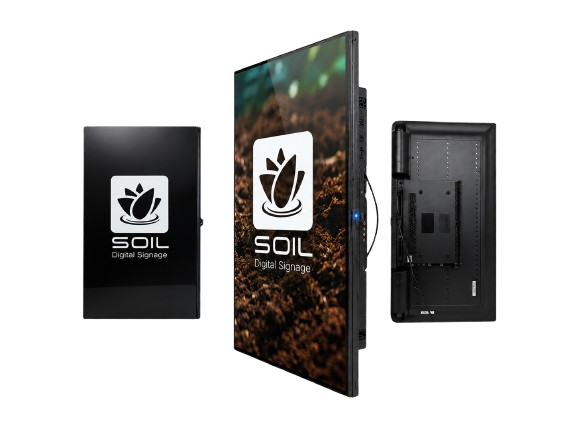
Slim 32"–55" wall displays for waiting-hall token boards, doctor schedules and health advisories.

from ₹16,992
WayfindingUnity Column

Unity Column

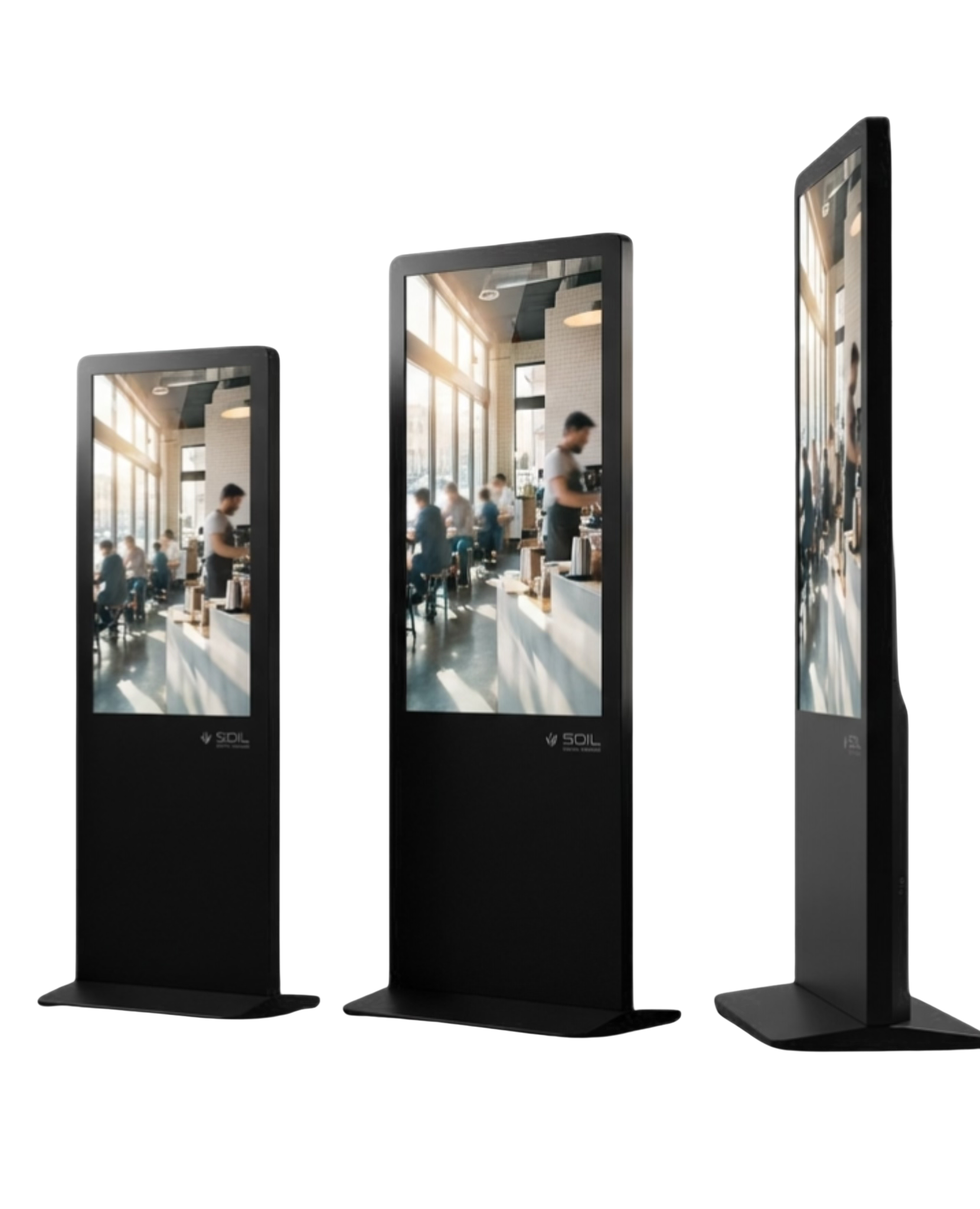
Freestanding lobby standee for the welcome directory and SetuOS Navigate floor maps.

from ₹33,984
ReceptionTT Series

TT Series

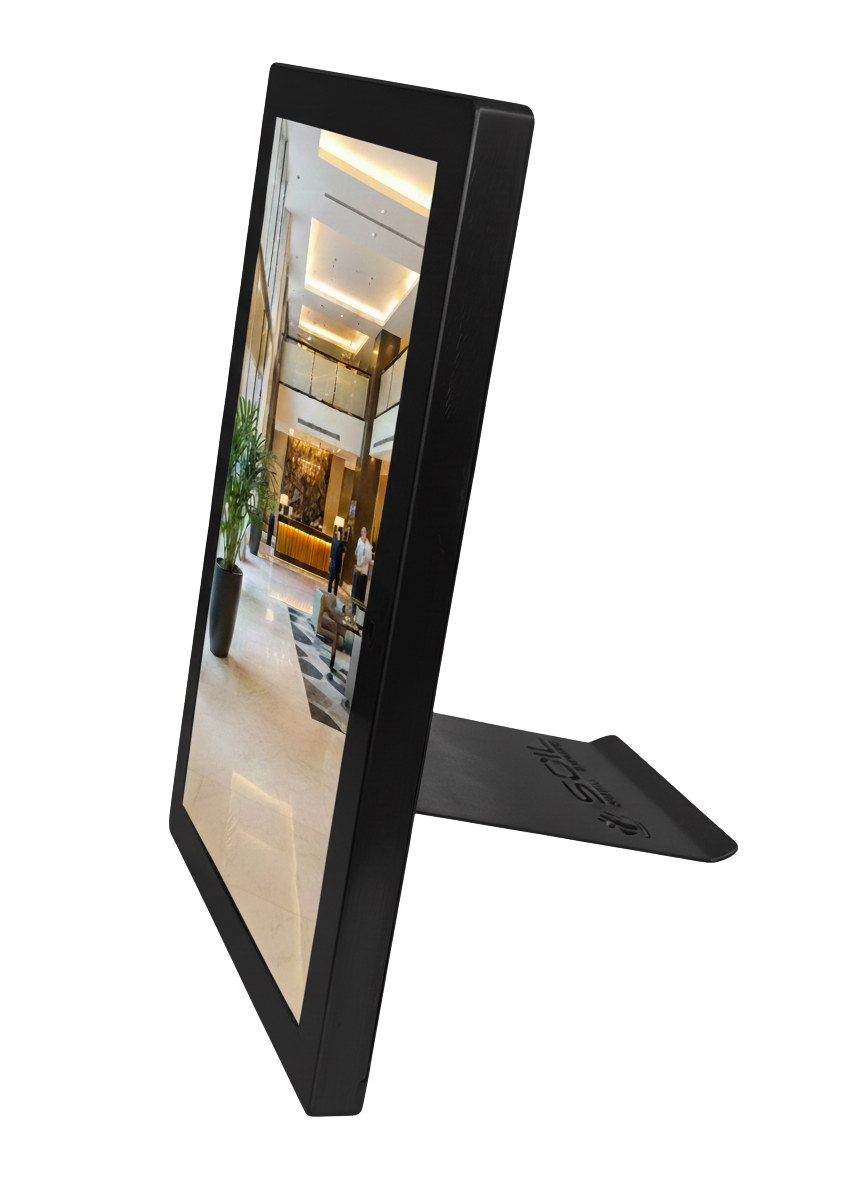
Compact counter display for reception, billing queues and cabin-door status.

from ₹21,240

Indicative starting prices, inclusive of GST. Final quote depends on size, configuration and quantity.

SetuOS Logo

Control everywhere.
From anywhere.

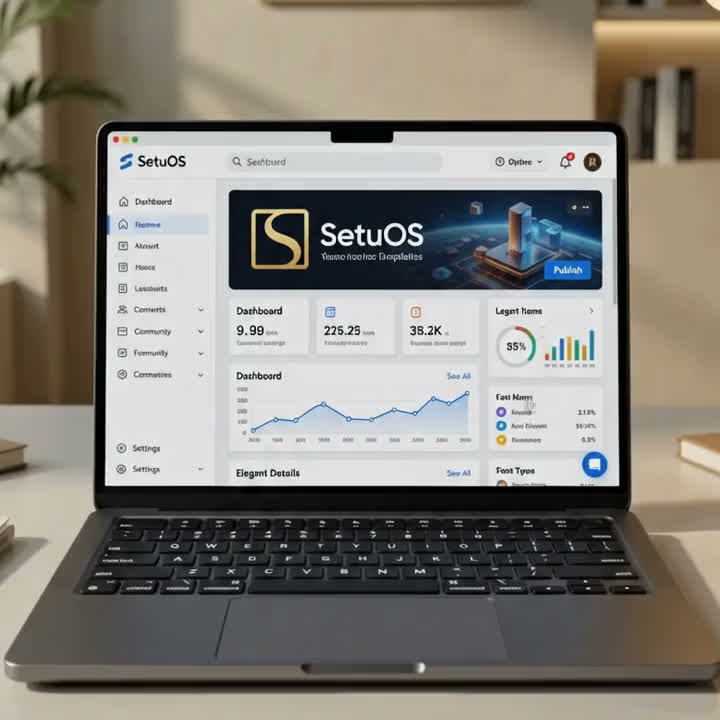
SetuOS is the brain behind the display. Push content, schedule campaigns, and monitor screen health across your entire network from a single, elegant dashboard.

Multi-screen synchronization
Intelligent content scheduling
Real-time health monitoring
Role-based access control
SetuOS Dashboard
Standalone
Cloud
On-Premise
The OPD upgrade

From asking the counter to reading the screen.

What changes in the building when the information moves with the patient.

The Old Way
  • ✕Patients ask the front desk the same three questions: where, how long, which room.
  • ✕Doctor name plates, OT lists and rosters are printed, taped and out of date by afternoon.
  • ✕A schedule change or emergency notice travels by phone calls and word of mouth.
  • ✕Hardware from one importer, software from another, integration from a third.
The Soil Way
  • ✓A welcome directory, live token board and cabin-door status answer them before anyone has to.
  • ✓E-ink tags and door displays update from the roster; nobody prints anything.
  • ✓One SetuOS update reaches every floor, department and centre — including an emergency override on every screen.
  • ✓Displays, kiosks, enclosures and SetuOS from one Delhi manufacturer — single-point accountability.
Deployment approach

Map workflows. Deploy selectively. Scale after validation.

  1. 01
    Discovery

    Understand locations, departments and patient touchpoints.

  2. 02
    Site survey

    Map locations, network and the HIS landscape.

  3. 03
    Solution architecture

    Define hardware, content, integrations and the rollout plan.

  4. 04
    Pilot

    Choose one or two high-impact use cases first.

  5. 05
    Scale

    Standardise across departments and centres on SetuOS.

Tell us the venue. We'll map the first pilot with you — usually one or two touchpoints, then the rest of the building.

Real deployments. Real references.

The cabin-door status display above is the same pattern we built for a Vice Chancellor's office; the on-premise deployment is running on a live assembly line. Reference calls and site visits can be arranged.

References and live deployments can be shared on request.

Certified & Made in India

Hover over the badges below for detailed credential information.

  • Make in India
    Make in India
    Make in India
    • •Indian manufacturing-focused company
    • •Delhi-based manufacturing operations
  • Startup India (DPIIT)
    Startup India
    Startup India (DPIIT)
    • •Recognition No: DIPP65783
    • •Recognized Since: 02 Sep 2020
    • •Valid Till: 11 Jul 2030
  • GeM Registered OEM
    GeM OEM
    GeM Registered OEM
    • •Government e-Marketplace
    • •Registered Original Equipment Manufacturer
  • Udyam MSME
    Udyam MSME
    Udyam MSME
    • •Udyam No: UDYAM-DL-11-0001394
    • •Enterprise Type: Micro
    • •Activity: Manufacturing
  • ISO 9001:2015 — Quality Management
    ISO 9001:2015
    ISO 9001:2015 — Quality Management
    • •Certificate No: 090704AG01SO
    • •Valid Till: 06 Apr 2029
    • •Design, manufacturing, installation & support
  • ISO 14001 — Environmental Management
    ISO 14001
    ISO 14001 — Environmental Management
    • •Certified Environmental Management System
    • •Sustainable manufacturing practices
  • BIS Certified Manufacturer
    BIS Certified
    BIS Certified Manufacturer
    • •Licence No: R-81023345
    • •Category: Automatic Data Processing Machine (Commercial Display)
    • •Brand: SOIL
    • •Valid Till: 10 May 2028
  • LMPC Certified
    LMPC
    LMPC Certified
    • •Legal Metrology (Packaged Commodities)
    • •Registration details on certificate
  • CPCB E-Waste EPR
    EPR E-Waste
    CPCB E-Waste EPR
    • •Reg No: B-29016(13884)(EPR-Registration)/25/WM-III
    • •Issued: 26 May 2026
  • CPCB Plastic Waste EPR
    EPR Plastic
    CPCB Plastic Waste EPR
    • •Reg No: IM-12-000-05-ABDCS9383D-26
    • •Issued: 12 May 2026
  • DGFT IEC (Import/Export)
    DGFT IEC
    DGFT IEC (Import/Export)
    • •IEC No: ABDCS9383D
    • •Issued: 07 Jun 2024
  • Registered Trademark
    ® SOIL
    Registered Trademark
    • •Trademark: SOIL
    • •Trademark No: 6693383
    • •Class: 9
    • •Registered: 03 Oct 2025

Hospital signage — questions, answered

Go deeper

Free video demo · pilot-first

Tell us the venue. We'll map the first pilot.

Share the hospital or clinic, the number of OPD rooms and whether you run an HIS — we'll come back with a touchpoint map and exact pricing for the standard hardware.

  • Live video demo of token boards and kiosks
  • Cloud or on-premise SetuOS
  • Pan-India installation, AMC & 1-year on-site warranty

No spam. We'll only call about your enquiry.